
WooCommerce plugin
WooCommerce OLX – Store Integration with OLX
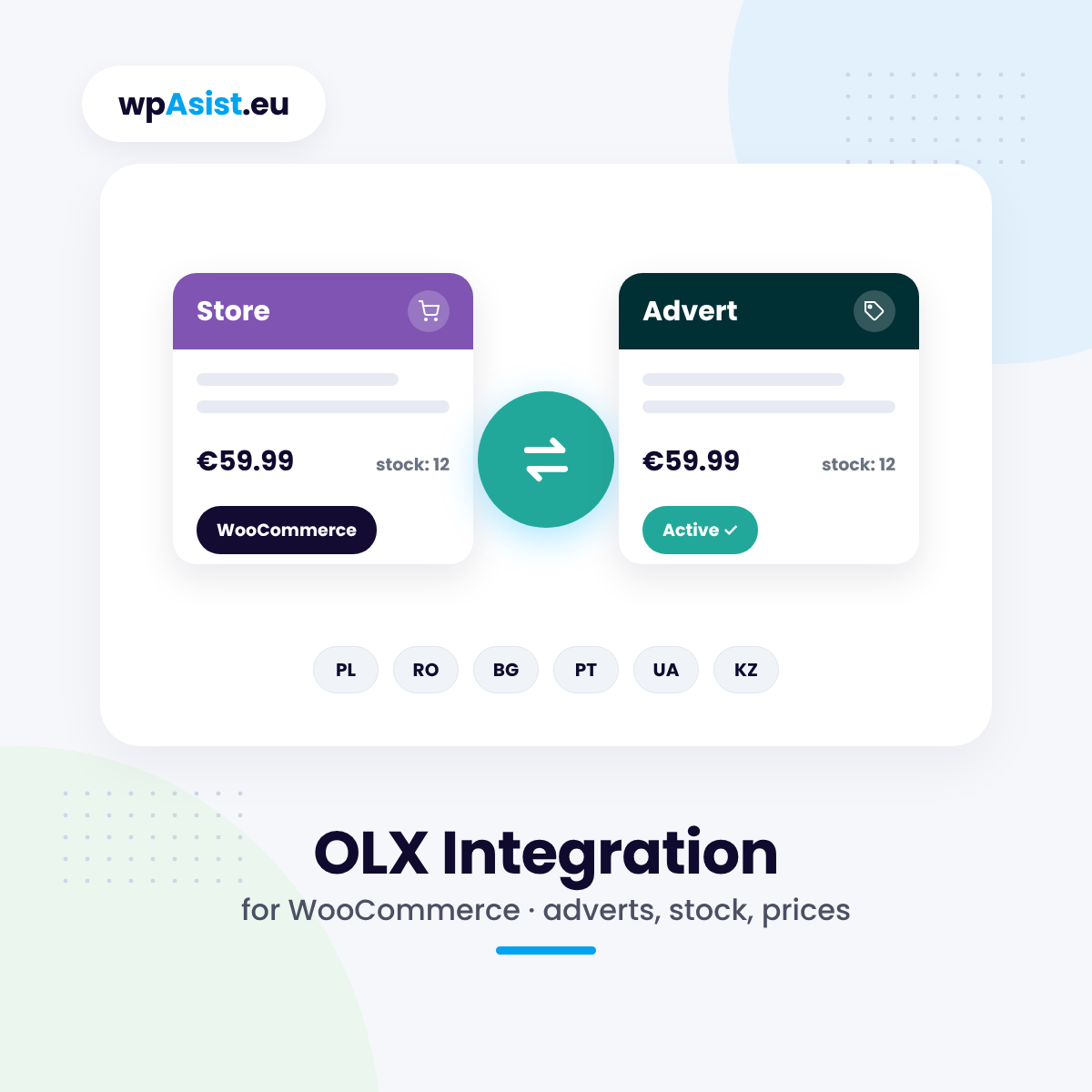
WooCommerce OLX integration: list your products as adverts on OLX straight from your store, while price and stock look after themselves. Out of stock – the advert disappears. Back in stock – the advert returns. OLX in Poland, Romania, Bulgaria, Portugal, Ukraine and Kazakhstan.
What you gain every day
- List from the product list — select products in your store and they are on OLX, with each variation as a separate advert.
- Edit only in WooCommerce — a price or stock change in your store updates the advert, without logging in to OLX.
- Never sell what you don’t have — out of stock switches the advert off, a delivery switches it back on.
- Adverts don’t expire quietly — automatic renewal and the expiry date of every advert in one list.
- Free: full version for 10 days
- Cheaper renewals: 10% off after a year, up to 30%
- Step-by-step documentation
- Updates while your licence is active
- Changes and tailoring to your needs
- Documentation
- Pro: one-year licence
- Help with installation
- Access to the forum
- Post-installation support
Secure payments verified by STRIPE

 Stripe
- Apple Pay
- Google Pay


- Bank transfer

30 days to say "nah, not for me"
Bought Pro and it is not your thing after all? Write to us within 30 days and you get your money back – no interrogation, no hard feelings. We may just ask what to improve, so next time it is a "wow".
Your store and OLX in one place – no retyping adverts
Your products, photos, prices and stock are already in WooCommerce. The plugin turns them into OLX adverts, makes sure price and availability always match, and shows all your adverts in one list in the WordPress dashboard.
The problem: manual adverts and outdated offers
You add every OLX advert by hand: title, description, photos, category, parameters. You change a price in your store – you have to remember OLX too. An item sells out – the advert stays up, and customers message you about something you no longer have. After 30 days adverts expire and drop out of the results.
With a dozen products that is an hour a week. With several hundred, it can’t be done by hand.
The solution: WooCommerce leads, OLX keeps up
1. Adverts straight from the product list
Select products in WooCommerce and choose “List / update on OLX”. Products with variations (size, colour) go out as separate adverts – each with its own price, photo and parameters. The title and description are built from your templates (name, variation, brand, description, attributes), and the plugin converts the description to the plain text OLX requires.
Example: before anything is sent to OLX, the plugin checks the category, title and description length, capital letters, city, price and required parameters. Instead of a rejected advert, you see exactly what is missing, e.g. “Missing OLX parameter: Condition”.
2. Categories and parameters set once
Download the OLX category list and assign the categories to your store categories – just start typing the name. The plugin takes OLX parameters (condition, size, brand…) from product attributes with the same name, from an attribute you choose, the SKU, the EAN or a fixed value – and matches them to the OLX value list.
3. Price and stock look after themselves
A price or stock change in your store updates the advert in the background. When an item runs out, the advert switches off; after a delivery the same advert comes back. On OLX Poland with OLX Delivery (Pay & Ship), the plugin sends the real number of items for sale.
The OLX price can be the same as in your store or calculated by your own rules: a markup, a fixed amount, rounding, separate rules for categories, or a custom price on the product.
4. All adverts in one list
The “OLX adverts” screen shows the status of every advert (active, in moderation, switched off, needs fixing), its expiry date, a link to OLX, and the price and quantity sent. With one click you update, switch off, activate, renew or delete an advert. Each product has an OLX tab, and the product list has a status column.
5. OLX in six countries
One plugin covers OLX in Poland, Romania, Bulgaria, Portugal, Ukraine and Kazakhstan – each account is a separate site with its own currency. Prices are converted at the exchange rate you set, and advert content can come from a chosen language version of your store (WPML, Polylang).
Good to know
- Several OLX accounts in one store, also in different countries.
- Automatic advert renewal by OLX – adverts don’t disappear after 30 days.
- Product safety data (GPSR) for OLX in Poland and Romania.
- Connects to OLX through the official API (“Connect with OLX” sign-in). Access keys are stored encrypted.
- Works together with the WooCommerce Allegro plugin – with both you get one panel, one dashboard and one log.
- HPOS compatible. Plugin interface in English and Polish.
Try it free for 10 days
The Free version is the full plugin for 10 days – connect your OLX account and publish your first adverts without paying. To connect, you need an application on the OLX developer portal – the step-by-step guide is in the documentation.
Test it free for 10 days
Full version now, no card and no strings attached. When it works for you – get PRO!
Installation help · Guide · Customer forum · Support · Updates · Tailored to your store · Secure payments · 30-day money-back guarantee
Partner program
Recommend the plugins you use – earn 20%
Buy any wpAsist plugin and you get your own link and discount code. We pay 20% on every sale from your recommendation, and another 20% every year when the customer you referred renews the licence.
- 20% on the first purchase from your recommendation
- 20% on every licence renewal
- The referred customer stays assigned to you
- Your code gives the customer 10% off
- Partner dashboard with live stats
Do you build stores for clients? Developer program: 33% on sales and renewals, no need to buy plugins.

Hi, I’m Przemek
I started out in 2009 with affiliate programs, and a year later I made it onto GVO’s list of top-selling partners worldwide. Since 2014 I have been building stores and websites for clients: setting up analytics, improving conversions, connecting systems and seeing what really sells.
Since 2019 I have been writing my own WooCommerce plugins for the needs of real stores. Missing a feature? Get in touch – my best plugins started with a client’s question.
E-mail: help@wpasist.eu