
WooCommerce plugin
Back in Stock Notifications & Waitlist
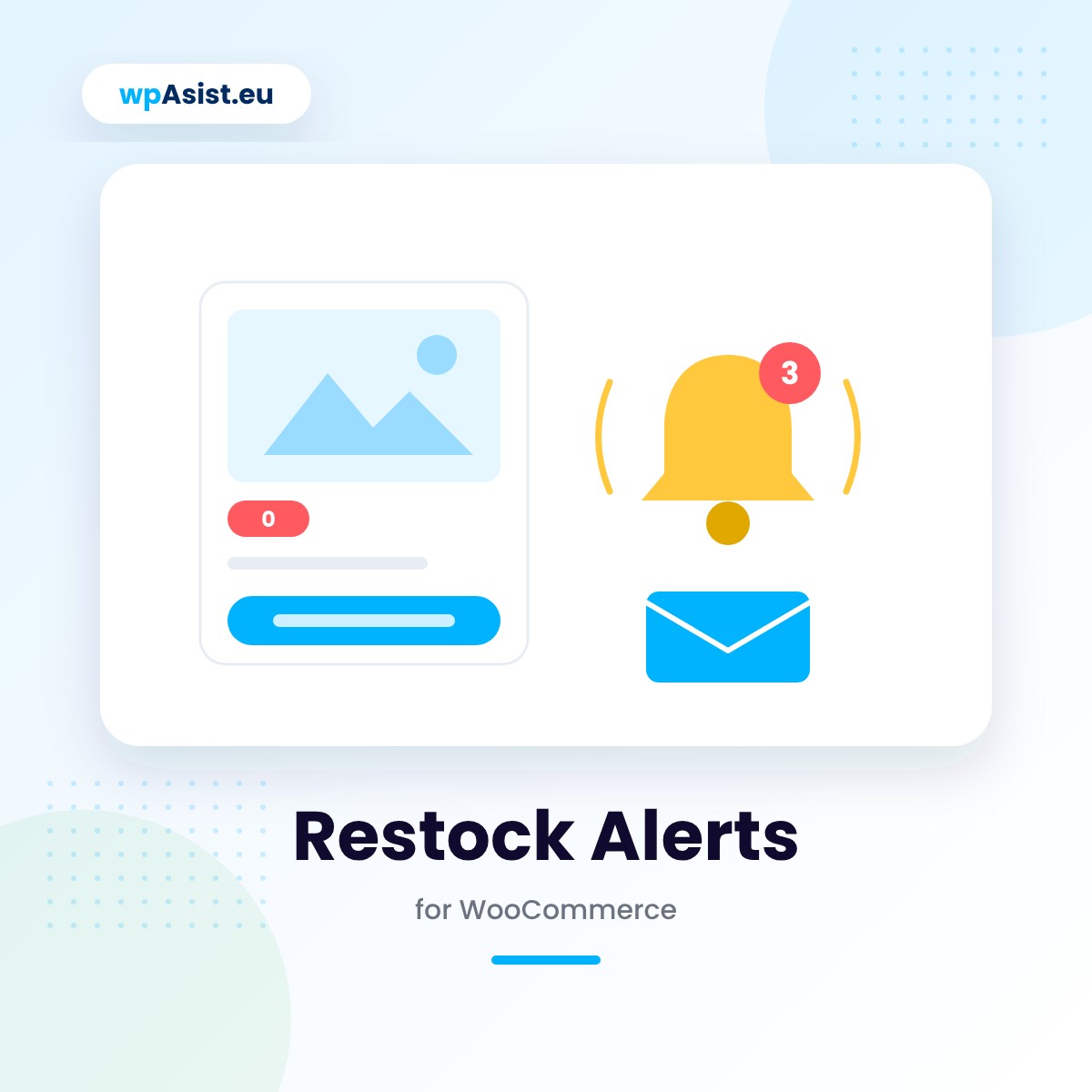
When a product sells out, the customer doesn’t leave empty-handed: they leave their e-mail with a “Notify me when available” button, and once the item is back in stock, they get an automatic message. You see what customers are waiting for, and how many notifications turn into a sale.
- “Notify me when available” button — replaces “Add to cart” on a sold-out product or variation, e.g. a size.
- Automatic e-mail when a product is back in stock — the plugin detects the stock change itself, including from imports and wholesaler integrations.
- Fair notification order — if only 5 units come back, only as many customers as there are units get notified.
A waiting list with filters, search and CSV export shows which notifications turned into a sale.
- Free: full version for 5 days
- Cheaper renewals: 10% off after a year, up to 30%
- Step-by-step documentation
- Updates while your licence is active
- Changes and tailoring to your needs
- Documentation
- Pro: one-year licence
- Help with installation
- Access to the forum
- Post-installation support
Secure payments verified by STRIPE

 Stripe
- Apple Pay
- Google Pay


- Bank transfer

30 days to say "nah, not for me"
Bought Pro and it is not your thing after all? Write to us within 30 days and you get your money back – no interrogation, no hard feelings. We may just ask what to improve, so next time it is a "wow".
A customer who doesn’t leave empty-handed
A sold-out product is usually a lost sale – the customer goes looking elsewhere and never comes back. Restock Alerts turns that moment into a saved contact instead: the customer leaves their e-mail and comes back on their own once the product is available again.
A sold-out product is a customer who won’t come back
Without a waiting list, you have no way to reach customers interested in a specific, temporarily unavailable product – and manually noting “who asked about X” doesn’t scale once traffic picks up.
A waiting list that keeps track of stock for you:
A button in place of “Add to cart”
On a sold-out product (including a sold-out variation, e.g. a size), the button replaces “Add to cart” and opens a popup with a form. You can also show the form directly on the product page, add a “Notify me” link to the product list, or place it anywhere with the [restock_alert_form] shortcode. Optionally works for backorder products too.
A form that matches your store
Set the heading, description, button text and message, the accent colour and the corner-rounding style. The form can ask for a name and quantity, require GDPR consent, and limit sign-ups to logged-in customers only.
Automatic e-mail when a product is back in stock
The plugin detects stock changes – including from imports and wholesaler integrations – and sends a “the product is available again” e-mail with the product card. The customer gets a confirmation once they sign up. Both e-mails are edited in WooCommerce settings and go out in the language the customer signed up in.
Example: only 5 units of a hoodie in size M come back in stock, and 12 people are on the list — the plugin notifies only the first 5 by sign-up order and requested quantity, and the rest wait for the next delivery.
Fair notifications and a minimum stock level
If fewer units come back than there are people waiting, only as many customers get notified as there are units – by sign-up order and requested quantity. You can also set a minimum stock level before notifications start going out, so nobody gets an “it’s back!” e-mail only to see “sold out” again a moment later.
Stats and spam protection
WooCommerce → Waiting List shows every sign-up with filters (waiting, notified, bought after notification), search, CSV export and manual sending. The product list gets a column showing the number of people waiting, and the plugin tracks how many sign-ups turned into a purchase. A hidden honeypot field, a minimum fill time, a sign-up limit per IP and optional Cloudflare Turnstile protect against spam without breaking your page cache.
Works wherever your store works
Sending runs in the background (Action Scheduler) with a per-minute e-mail limit – useful on hosting with sending restrictions. Every e-mail has an unsubscribe link, and you can export or delete customer data with WordPress’s privacy tools. The plugin is HPOS-compatible, works with the block checkout, WPML and Polylang.
You’re up and running in a few minutes
Installation takes a few clicks: upload the ZIP, activate the licence and set up the form’s content. The “Delivery diagnostics” tab shows e-mail status, the queue and the last mail-server error, with a test-send button.
Free or Pro? Find out with your first sold-out product
Download the full version for free and get 5 days to collect the first sign-ups from real customers. If it’s the right fit, upgrade to Pro with one click, no reconfiguration needed.
Pro is a one-year licence (€29.21): updates from the WordPress dashboard, full support and every feature with no limits. Even if the licence expires, your waiting list stays safe in your store.
Test it free for 5 days
Full version now, no card and no strings attached. When it works for you – get PRO!
Installation help · Guide · Customer forum · Support · Updates · Tailored to your store · Secure payments · 30-day money-back guarantee
Partner program
Recommend the plugins you use – earn 20%
Buy any wpAsist plugin and you get your own link and discount code. We pay 20% on every sale from your recommendation, and another 20% every year when the customer you referred renews the licence.
- 20% on the first purchase from your recommendation
- 20% on every licence renewal
- The referred customer stays assigned to you
- Your code gives the customer 10% off
- Partner dashboard with live stats
Do you build stores for clients? Developer program: 33% on sales and renewals, no need to buy plugins.

Hi, I’m Przemek
I started out in 2009 with affiliate programs, and a year later I made it onto GVO’s list of top-selling partners worldwide. Since 2014 I have been building stores and websites for clients: setting up analytics, improving conversions, connecting systems and seeing what really sells.
Since 2019 I have been writing my own WooCommerce plugins for the needs of real stores. Missing a feature? Get in touch – my best plugins started with a client’s question.
E-mail: help@wpasist.eu